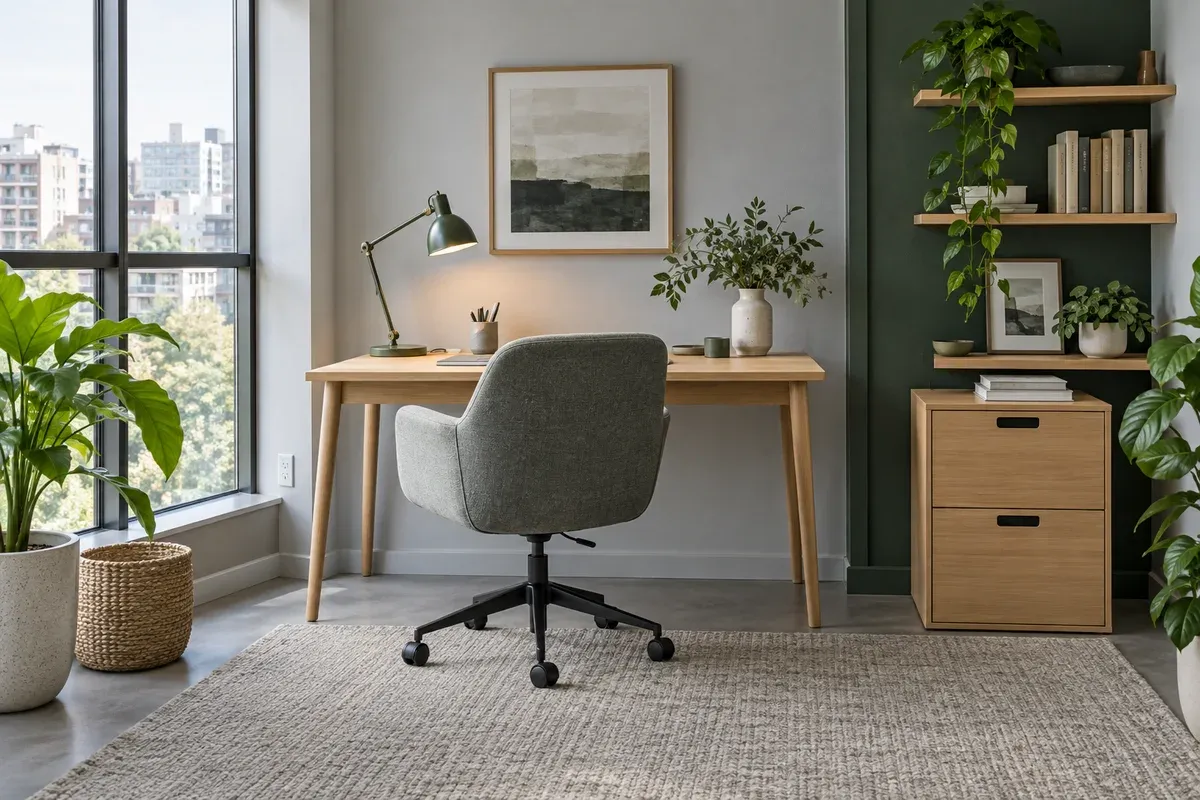
A good home office does not have to be large, but it needs a stable work surface, supportive chair, purposeful light, and a place to put everyday tools. The most useful workspace is not necessarily a separate room. It is a setup that lets you focus for the time you need, then returns gracefully to the rest of the home when work is finished.
Home-workspace planning starts with the actual work, not the available corner. A laptop-only routine, a dual-monitor setup, regular video calls, drawing or writing all need different amounts of desk depth, storage, and visual privacy. Defining those needs first makes it easier to avoid buying a desk that looks right but cannot accommodate the way you work.
Choose the Location Before the Furniture
Look for a position with enough natural light, a nearby power source, and a circulation route that will not be disturbed by the chair. A desk facing a wall can reduce visual distraction; a desk near a window can make the workday more pleasant. Neither arrangement is automatically better. What matters is that light does not create glare on the screen and that the background is workable if calls are part of the routine.
Avoid placing a workstation where it blocks a door swing, a frequently used cabinet, or the clearest path through a living room. In a compact home, a desk may share space with dining or lounge furniture, so its footprint needs to be considered alongside what happens when the chair is pulled out. Marking the desk depth and chair zone on the floor before committing to the layout is often enough to reveal a problem.
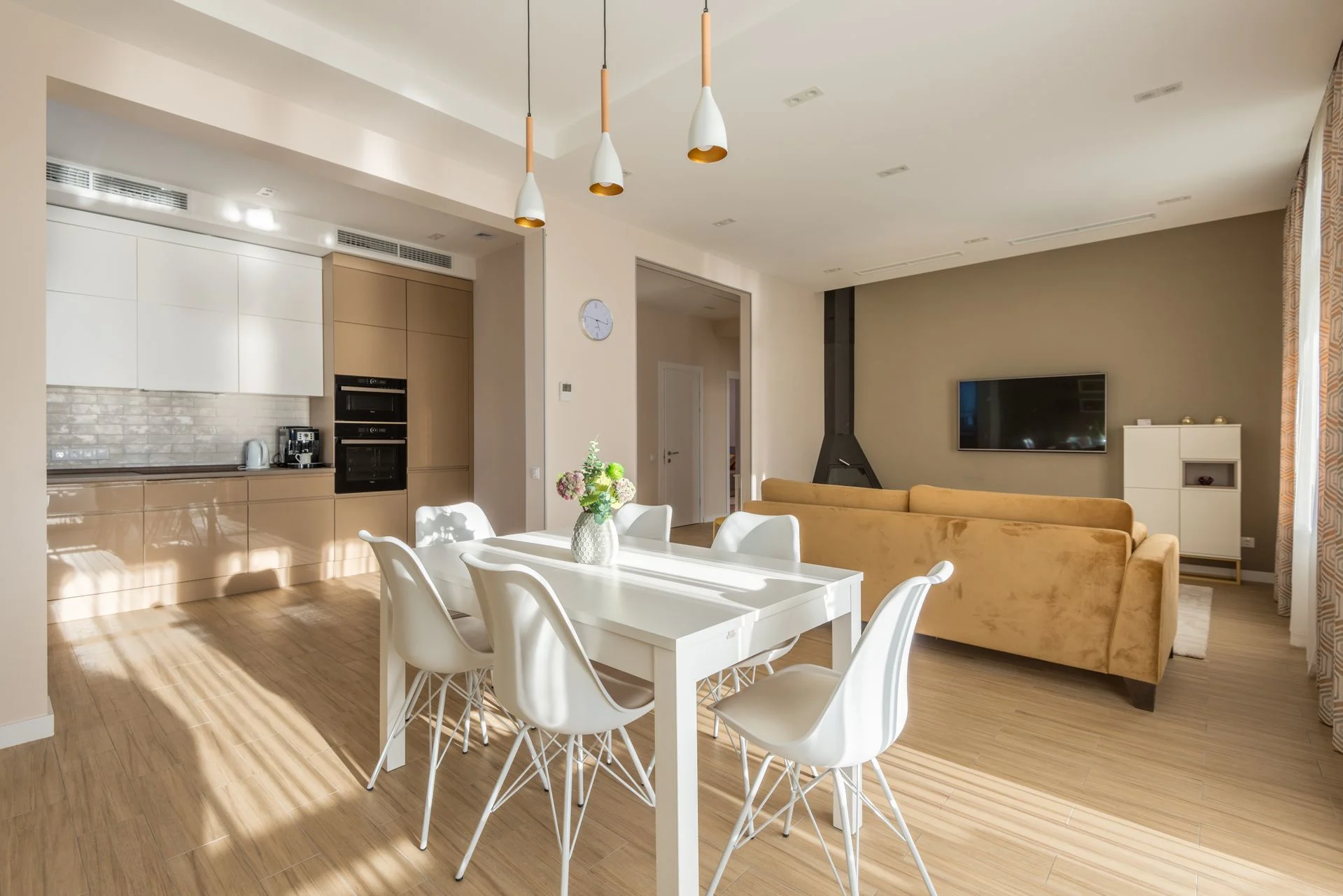
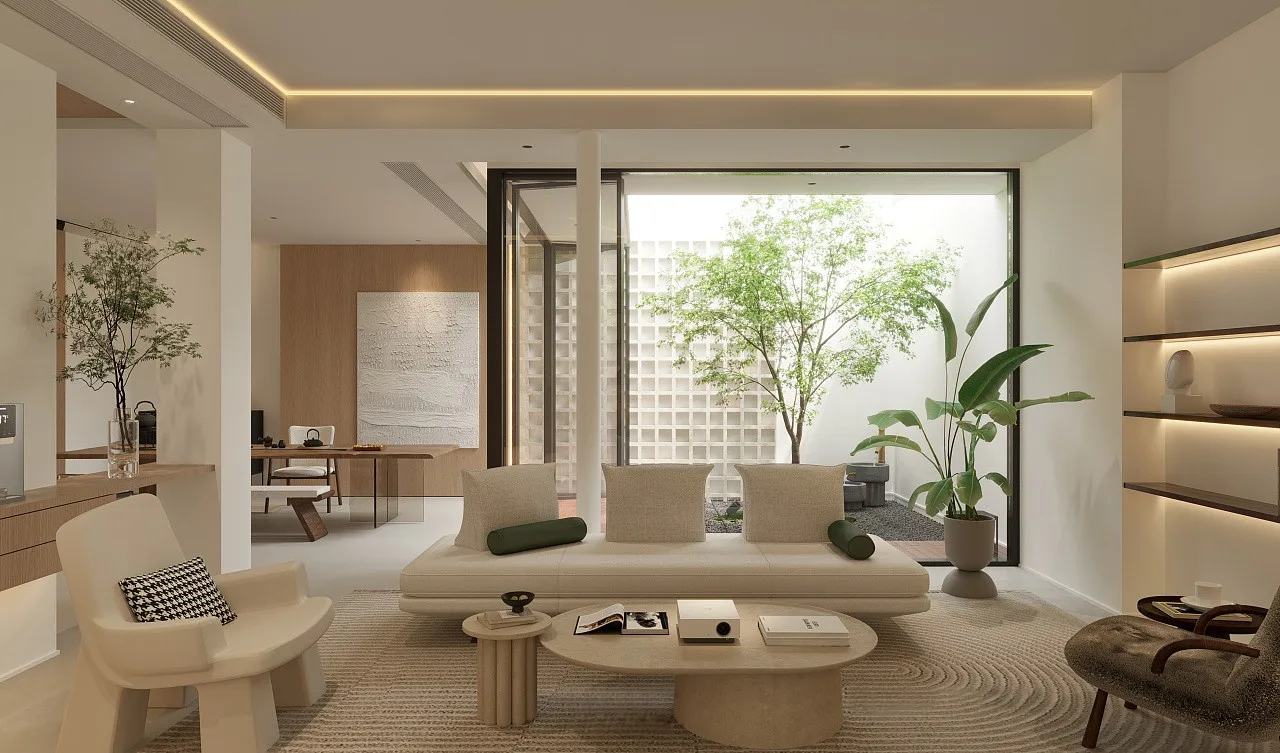
If the workspace sits in a shared room, give it a clear edge without building an unnecessary barrier. A change in lighting, a rug, or the orientation of the desk can signal a work zone while keeping the whole room visually open. The living-room guide offers related guidance for making shared living areas work as one composition.
Build Around Work Posture
Ergonomics is less about chasing a perfect pose than allowing the body to work without persistent awkward reaches, glare, or pressure points. Start with the relationship between chair, desk, screen, and keyboard. Your feet should have a stable resting position, the work surface should allow your shoulders to stay relaxed, and the screen should be positioned so you are not repeatedly looking sharply up, down, or to one side.
The right desk height depends on the person and the chair, which is why a workspace should be tested as a whole rather than chosen item by item. Lina Work Desk suits a compact setup where a straightforward fixed work surface is appropriate. Kota Sit-Stand Desk offers a way to change working position during a long day. In either case, confirm that there is enough depth for the screen, keyboard, and a comfortable distance from the display.
Match the desk with a chair that supports the work posture you need. Ivo Ergonomic Work Chair can anchor the seating part of the setup; allow room to move it rather than squeezing it between desk and wall. A chair may fit when pushed in but still fail the workspace if there is no comfortable way to sit down or stand up.
Plan the Desk Surface, Not Just the Desk
The desk itself needs a job description. List what remains on the surface during an ordinary work session: laptop or monitor, keyboard, notebook, drawing tools, charger, water, and perhaps a task light. This reveals whether a compact desk is sufficient or whether the work needs a deeper surface. It also prevents a common mistake: selecting a desk only by width while ignoring the depth required for the actual setup.
Keep the primary task area clear and place secondary items within reach without making the desktop a storage shelf. A small tray can contain the objects used daily, while documents and less frequent tools should have a separate home. Cable management does not need to become a complex project; the practical goal is simply to stop cables from blocking leg room, snagging on the chair, or creating a permanent visual tangle.
Use Light to Support Focus
General room light is rarely enough for close work. A dedicated task light lets you direct illumination to a keyboard, notebook, or drawing surface while avoiding the need to over-light the entire room. Yura Task Lamp can provide focused light at the desk; position it so it does not cast your hand’s shadow across the work area.
Daylight should generally arrive from the side rather than directly behind or in front of the screen. A screen facing a bright window can become reflective, while a window directly behind the user can create a difficult contrast for video calls. Try the setup at the time of day you normally work. Light that feels acceptable in the morning may behave very differently in the afternoon.
Keep Work Storage Close but Quiet
Documents, chargers, stationery, and peripherals quickly spread over a desk when they have no nearby destination. Eno Mobile Pedestal Cabinet keeps documents and smaller work items off the main surface while remaining close to the chair. For a more fixed setup, Rumi Office Storage can hold the categories that would otherwise occupy the desk or nearby floor.
Sort work items by frequency. Keep the tools used every session closest, put weekly items in an accessible drawer or shelf, and store archive material elsewhere. This protects the desk as a working surface rather than turning it into a temporary filing system. The storage guide explores how open and closed storage can keep everyday objects nearby without making the home feel full.
Make a Shared Workspace Easier to Put Away
When a desk lives in a bedroom, living area, or dining space, the visual transition out of work matters. A simple end-of-day routine—returning tools to storage, closing the laptop, and clearing the main surface—helps the room recover its other purpose. This is easier when the storage is within arm’s reach and every item has a realistic home.
Avoid creating a permanent office spill across the room. One well-planned desk zone is usually more effective than a desk, a loose filing stack, an extra trolley, and several small containers. If more capacity is genuinely needed, add it based on a specific category of work rather than simply filling an empty corner.
Common Home-Office Mistakes
- Choosing a desk from its width alone and overlooking its depth, chair clearance, and monitor position.
- Treating any dining chair as a long-term work chair without checking the complete seated setup.
- Facing a screen directly into or away from a bright window, which can create glare or difficult contrast.
- Filling the desktop with storage, leaving no clear place for the task itself.
- Placing cables, bags, or pedestals in the chair’s path.
- Letting work objects spread into the whole room because there is no close storage destination.
A Workspace That Supports the Home
An ergonomic home workspace is not defined by how much furniture it contains. It is defined by a desk and chair that work together, light that supports the task, storage that keeps tools close, and a layout that respects the rest of the home. Start with the daily routine, test the space with real measurements, and add only the furniture that improves how the work is done.
For a broader approach to a workspace that shares its room with everyday life, continue with the storage guide. A good setup makes concentration easier during work hours and makes it easier to leave work behind afterwards.